Releasing our emergency credit on a libra pay as you go top up meter

Pay As You Go Emergency Credit

If you’ve recently run low on credit and your meter is displaying ‘OFF’ or ‘C’, you may be able to activate Emergency Credit on your meter.

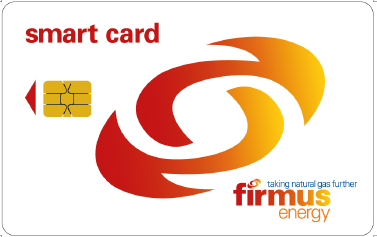
⚠️ Before you start, ensure all gas appliances are switched off.10T gas card


If your meter displays credit in m³: 

  1. Insert your gas card into the meter.
  2. Press and hold the black "B" button until the screen displays "Release" or "Let Go".
  3. Remove the card. 


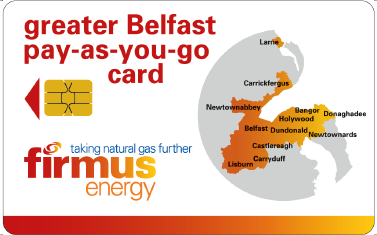
  1. After approximately 30 seconds, you should hear a clonking sound as the gas valve reopens.Greater Belfast Gas Card
  2. Wait for the display to change from "OFF" to "ON" or "O". This may take up to 1 minute.
  3. Reset your boiler if required. It may take a few attempts before gas begins flowing normally.


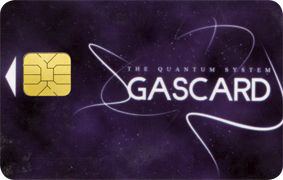
If your meter displays credit in £: Quantum gas card

  1. Insert your gas card into the meter.
  2. Press and hold the red "A" button until the screen displays "Release" or "Let Go".
  3. Remove the card.
  4. After approximately 30 seconds, you should hear a clonking sound as the gas valve reopens.
  5. Wait for the display to change from "OFF" to "ON" or "O". This may take up to 1 minute.
  6. Reset your boiler if required. It may take a few attempts before gas begins flowing normally.


Need Help?

Still having trouble getting your gas back on after these steps? Call our Customer Services team and we'll help you get sorted.

Still looking for an answer?

Need more help switching to Firmus?

Call us

Monday to Thursday: 9am to 5pm
Friday: 9am to 3:30pm

0330 024 9000